


nomis Reach®
nomis Reach®
Extend Wi-Fi Into Dead Zones — bring your existing connection to rooms with weak signal
Dual-Band Wi-Fi — supports both 2.4 GHz and 5 GHz connections
Simple WPS Setup — connect to a compatible router without complicated installation
Couldn't load pickup availability
-
Ordered
- - -
Order Ready
- - -
Delivered

nomis Reach®

“The Wi-Fi in my bedroom was always weak even though it worked fine near the router. I plugged this in between the two rooms and the difference was immediate. Setup was way easier than I expected.”
How to Use
How to Use
1. Plug It In — Place the extender between your router and the area with weak Wi-Fi.
2. Connect — Press the WPS button on the extender, then press the WPS button on your compatible router.
3. Extend Your Coverage — Once connected, position the extender where it still receives a reliable signal from your router for the best coverage.
Tip: Don’t place the extender directly inside a complete Wi-Fi dead zone—it needs an existing signal to extend.

Key Benefits

Key Benefits
Reliable Wi-Fi where you need it most.
Extend your existing Wi-Fi into bedrooms, offices, basements, and other weak-signal areas. Dual-band 2.4 GHz + 5 GHz support gives you more flexibility for streaming, gaming, work, and everyday browsing. With simple WPS setup and six external antennas, expanding your home Wi-Fi coverage is quick and straightforward.

Shipping & Returns

Shipping & Returns
Orders are typically processed within 1–3 business days. Delivery times vary by location. If you’re not satisfied with your order, contact us at getnomiproducts@gmail.com within 30 days of delivery to request a return, subject to our Refund & Return Policy.


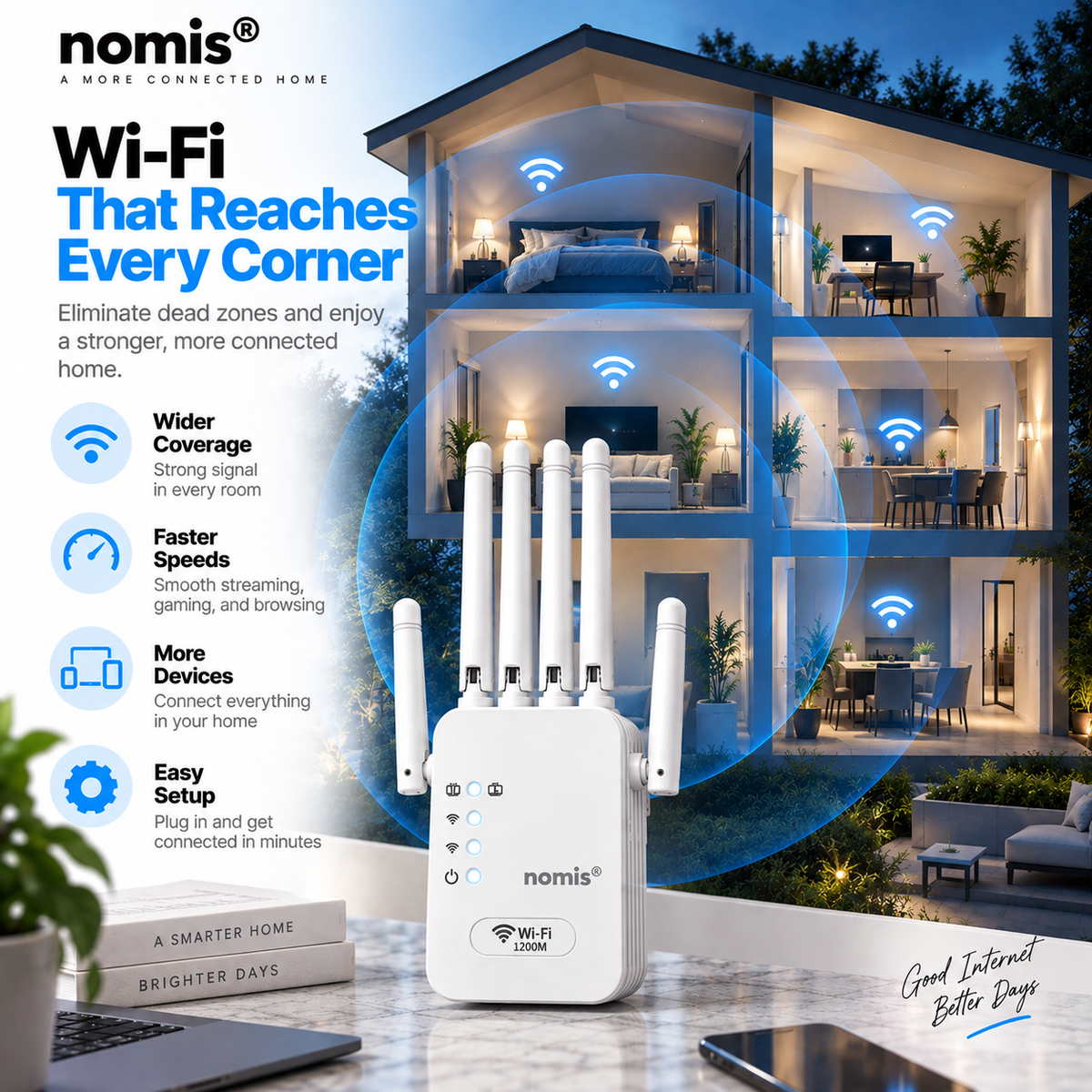

Wi-Fi Where You Actually Need It
Tired of your Wi-Fi working perfectly near the router but struggling the moment you reach your bedroom or home office?
The nomis® Wi-Fi Extender helps expand your existing network into those frustrating weak-signal areas, giving you a more reliable connection where you actually use your devices.
How It Works

Better Wi-Fi Without Rewiring Your Home
You shouldn’t need to run Ethernet through your walls or replace your entire network just to improve Wi-Fi in one weak-signal area.
🔌 Plug-In Design
No permanent installation required.
📶 WPS Connection
Pair with a compatible router using the WPS button.
🏠 Fits Your Existing Setup
Extend the Wi-Fi you already have instead of replacing your entire network.
Testimonials
-

Finally Reaches My Bedroom
“My Wi-Fi was fine downstairs, but the second I went into my bedroom it would constantly struggle. I put this in the hallway between my room and the router and the connection has been much more reliable. Exactly what I needed without replacing my whole setup.”
-

Way Easier Than Expected
“I’m definitely not a tech person, so I was expecting the setup to be a headache. It was way simpler than I thought. I had it connected to my existing Wi-Fi pretty quickly, and I didn’t have to run any cables through the house.”
-

No More Spotty Work Calls
“I bought this mainly because the Wi-Fi in my home office was unreliable during calls. Since adding the extender, I’ve had a much more consistent connection in that part of the house. Nice not having to sit near the router just to get decent Wi-Fi.”


